GUIDES
Edit to the music, in Premiere Pro.
Practical Premiere Pro techniques for beat-synced edits, stems and audio-reactive effects. Every guide shows the result on real footage.
FeaturedAudio-reactive effects
How to Put Beat Effects on the Background Only in Premiere Pro
Flash, color and glitch the world around your subject on every kick, while the subject stays clean. Here's how with Premiere's Object Mask and SoundXtract.
6 min read
Read the guideAll guides
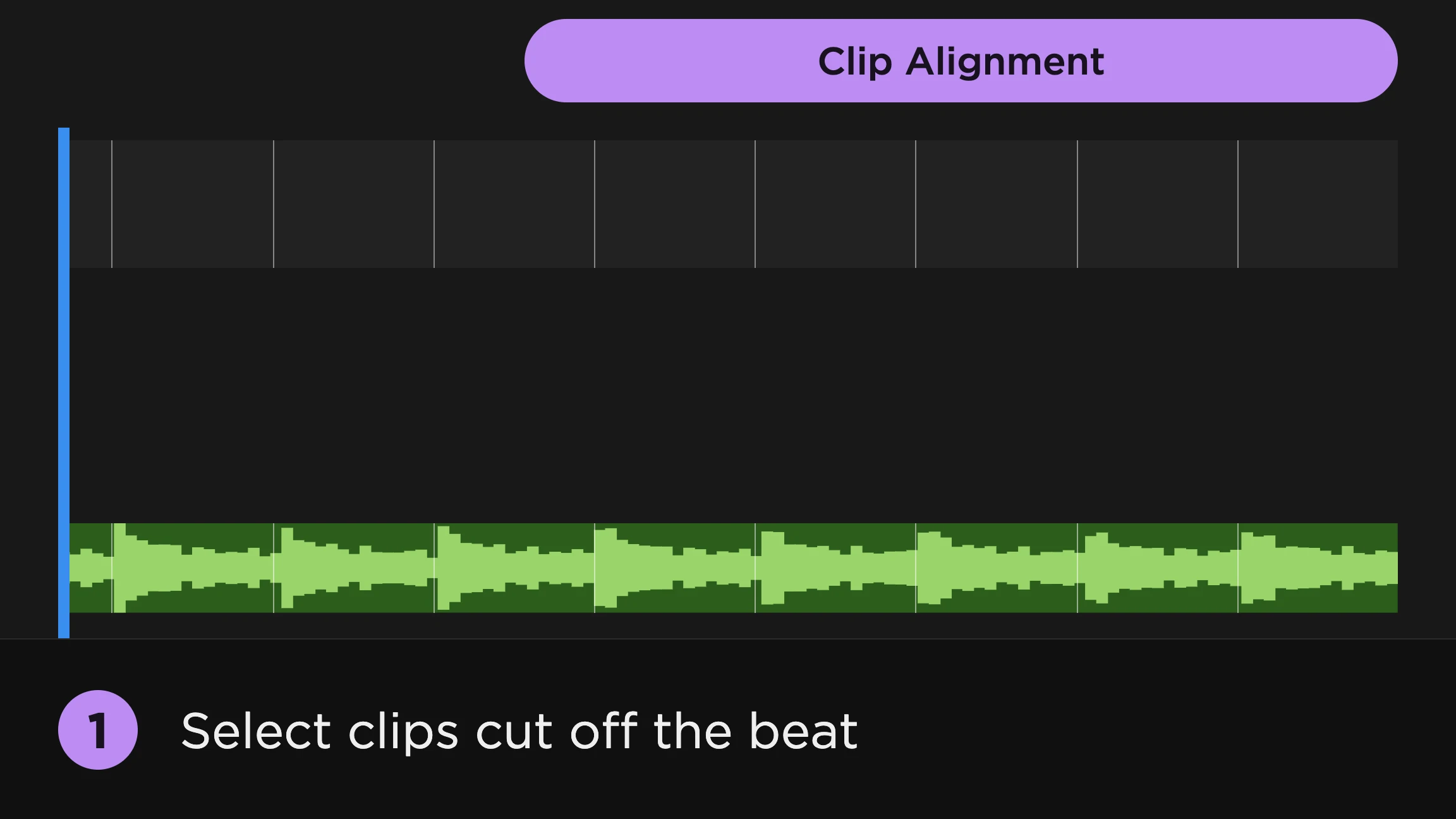 Beat markers
When to Use Beat Markers in Premiere Pro (and When You Don't Need Them)
Beat markers used to be the first step of every music edit in Premiere Pro. Here's which jobs still need them, and which ones SoundXtract now does straight from the music.
5 min read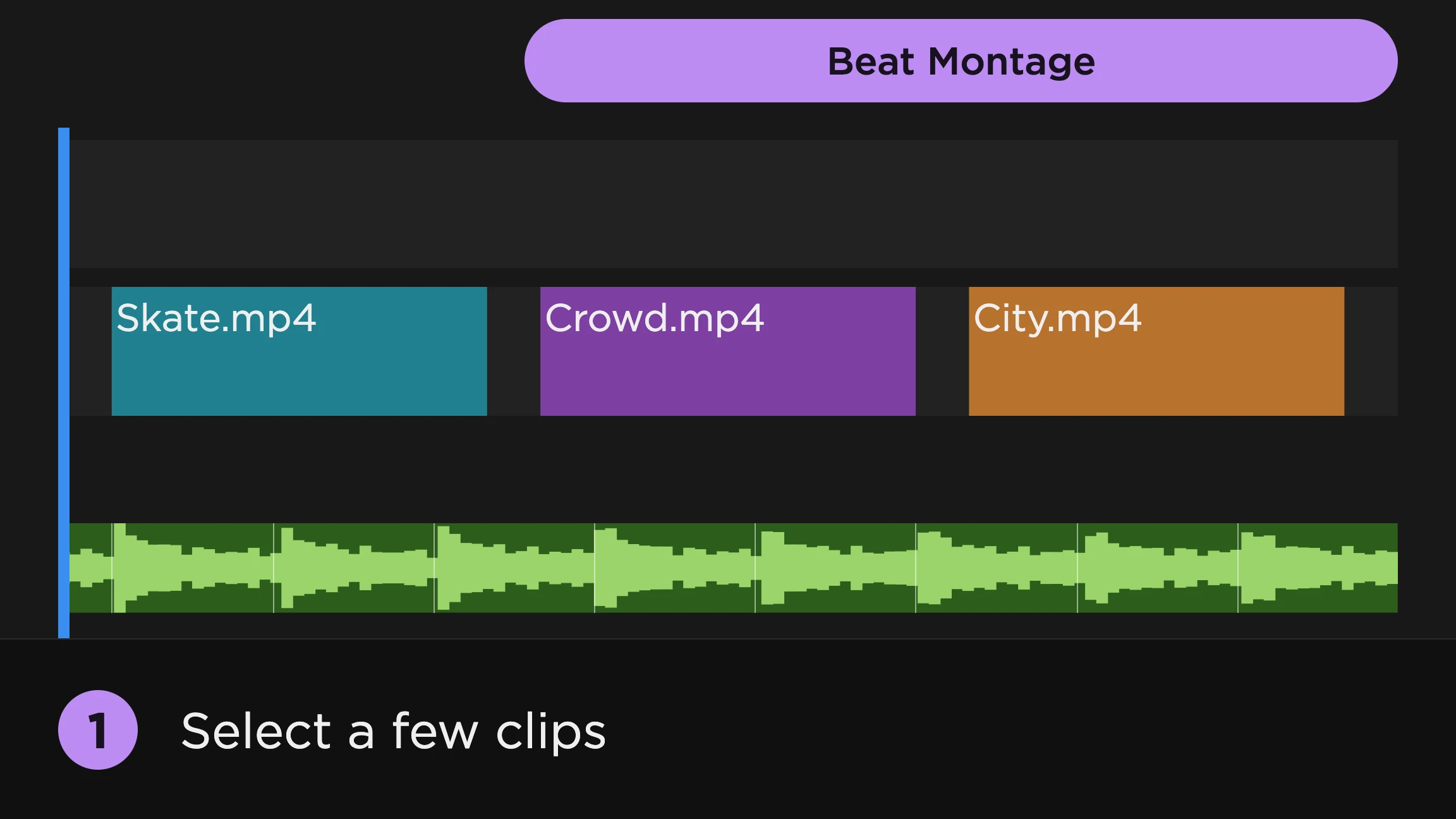 Cutting to the beat
How to Cut to the Beat in Premiere Pro
Premiere Pro can't find the beat for you. Here's how to cut to the music by hand, with Automate to Sequence, and automatically with SoundXtract, for clips on the timeline, an edit that's already cut, multicam angles and footage still in the bin.
9 min read- Beat sync
The Best Beat-Sync Plugins for Premiere Pro, Compared
Premiere Pro still can't detect beats on its own. Ten ways to sync an edit to music, from free marker panels to tools that cut the timeline for you, with what each one is best for.
10 min read 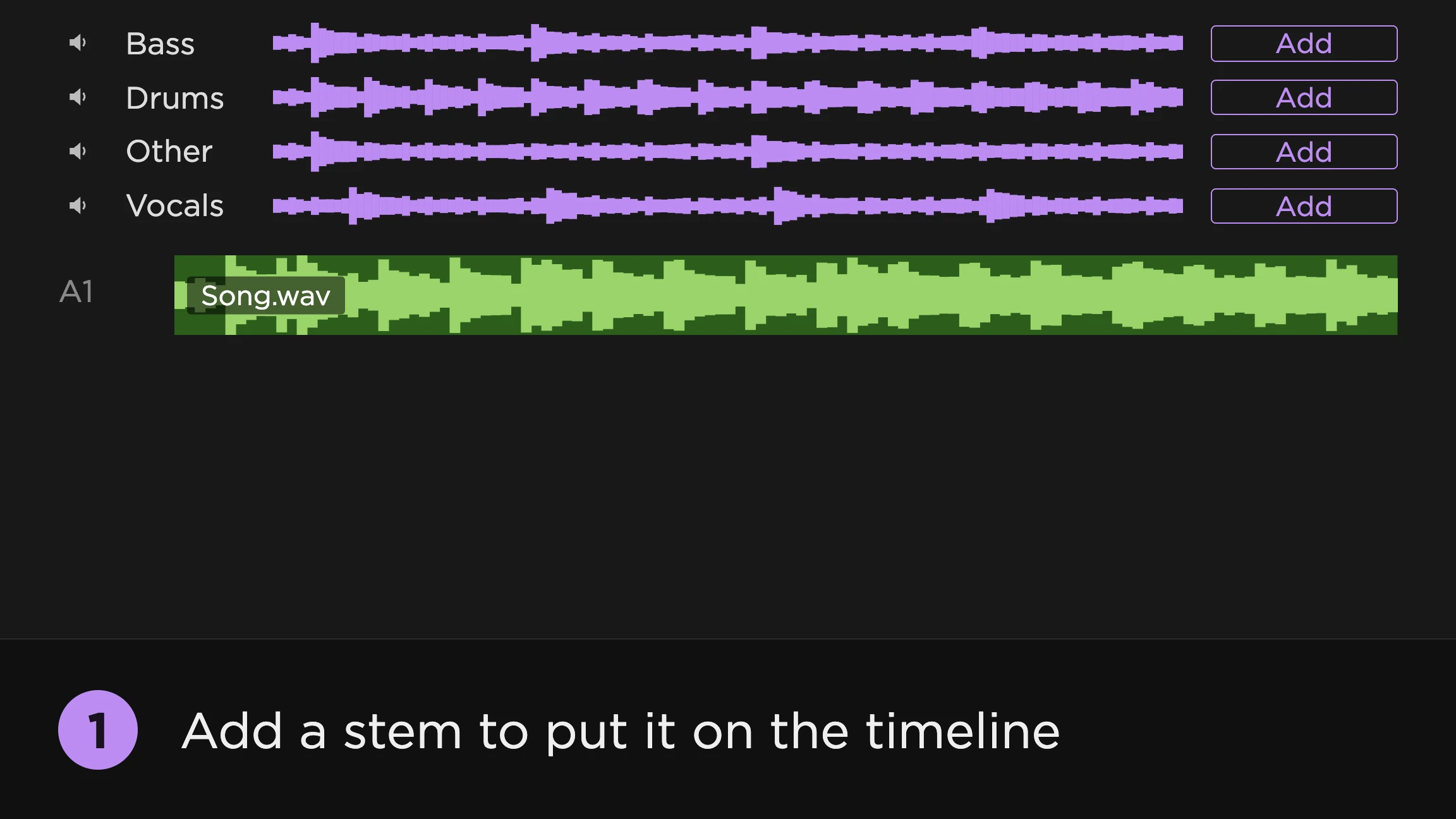 Stem separation
How to Separate Vocals and Stems From Music in Premiere Pro
Premiere Pro can't split a song into its parts. Here's how to get vocals, drums and bass onto their own tracks, by round trip or right on the timeline, and what to do with them once they're there.
5 min read Audio-reactive effects
How to Make Audio-Reactive Effects in Premiere Pro Without After Effects
Premiere Pro can't turn audio into keyframes. Here's how to make flashes, bounces, shakes and color changes that hit on the kick or the snare, without leaving Premiere.
6 min read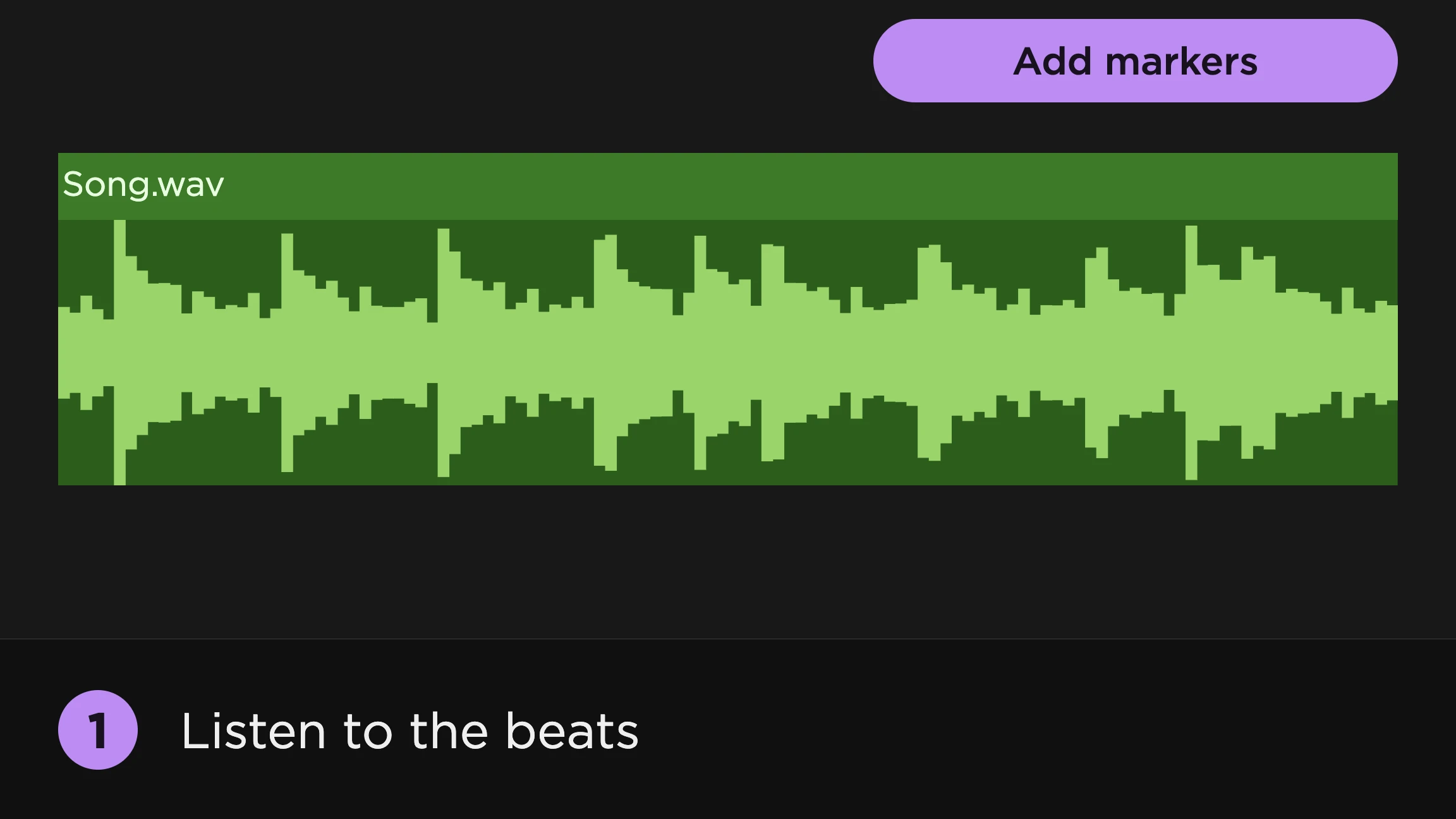 Beat markers
How to Add Beat Markers in Premiere Pro Automatically
Premiere Pro can't detect beats on its own. Here's how to mark them by hand, how to add them automatically with SoundXtract, and how to keep only the beats your edit needs.
5 min read
Try it on your own timeline
Every technique in these guides runs inside Premiere Pro. Install the panel and follow along with your own track.